Welcome to the official Pinkie Promise Wiki strategy breakdown for Pinkie Promise Controls & Best Settings Guide. Whether you are attempting a flawless speedrun or hunting down hidden story clues across Party Cannon Studios' survival horror experience on Roblox, mastering this segment is essential for keeping your team alive. Before diving into dangerous areas, make sure you check our Active Promo Codes and claim free revives from the Troubleshooting & Fixes page.
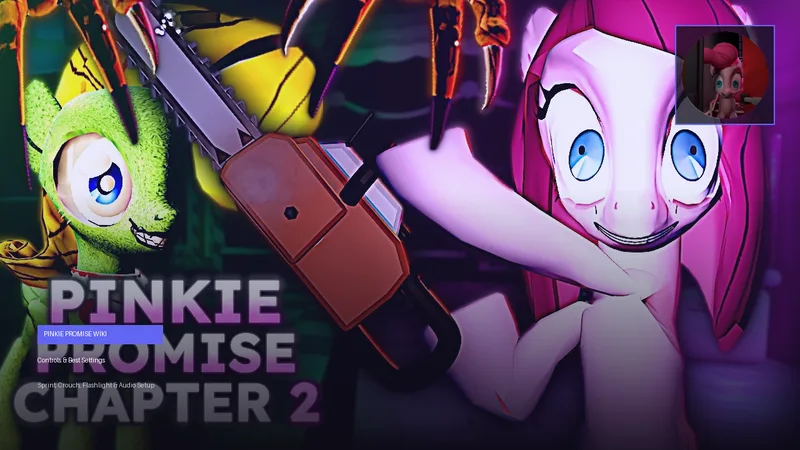
Priority Quick Reference Table
Use this structured reference table to prioritize objectives, locate key triggers, and manage threat timing during your playthrough.
| Objective / Target | Key Location / Trigger | Priority Level | Survival Notes |
|---|---|---|---|
| Sprint | Left Shift (PC) / L3 (Console) | Stamina Drain | Keep 30% reserve for chases |
| Crouch / Stealth | C / Left Ctrl (PC) / B (Console) | Noise Suppression | Mandatory on factory grates |
| Flashlight | F (PC) / D-Pad Up (Console) | Battery Drain | Toggle off inside lockers |
| Interact / Pick | E (PC) / X (Console) | Prompt Range | Hold 2s for heavy valves |
PC, Mobile, and Console Keybind Mapping
Smooth survival in Pinkie Promise depends on instant muscle memory during ambushes. On PC, movement uses WASD, Left Shift triggers sprint, C or Left Control toggles crouch stealth, E interacts with doors and clues, and F toggles your handheld flashlight. Mobile users get floating touch buttons on the lower right for Crouch, Sprint, and Interact, while Xbox and PlayStation controllers map Sprint to L3 and Flashlight to D-Pad Up.
Audio Calibration for Early Threat Detection
Audio is your single strongest early-warning radar. Before entering a lobby, turn background music sliders down slightly while boosting Sound Effects (SFX) to 80% or higher. Wearing stereo headphones lets you pinpoint the exact direction of Pinkie Pie's footsteps, giggling, and distorted cheerful humming up to 15 seconds before she enters visual range.
Graphics Quality & Brightness Tips
Many players struggle in the Everfree Forest and Chapter 2 basement simply because low Roblox graphics settings crush shadow gradients into pure black. If your hardware allows, keep Roblox Graphics Mode on Manual at Level 5 to 7. This preserves dynamic shadows while keeping doorframe outlines and hidden scrapbook sparkles crisp without dropping below 60 FPS.
Flashlight Battery & Stamina Discipline
Your sprint meter regenerates slowly when walking and pauses while sprinting. Never drain stamina completely to zero, as hitting exhaustion locks you at walking speed for three full seconds. Likewise, turn off your flashlight inside closets, laundry bins, or sunlit farm areas to reserve battery life for the Chapter 2 blackout tunnel.
Pro Survival Tip & Route Optimization
Pro Tip: Never sprint blindly through tight corridors or around blind corners. Pinkie Pie's patrol AI reacts aggressively to continuous running footsteps. Always maintain at least 30% stamina reserve in case a sudden chase sequence initiates, and memorize nearby closet or laundry bin hiding spots before interacting with loud puzzle switches. If you want to compare routes or unlock extra badges during your run, consult our Chapter 1 Walkthrough and Chapter 1 Walkthrough.
Related Silo Guides & Next Steps
Continue mastering the horrors of Sweet Apple Acres and the Cupcake Factory with these essential resources:
Verified against official game builds and updates on the Pinkie Promise Roblox Experience and community playthrough documentation (Walkthrough Reference).